Choose an available method
The payment methods displayed during the active checkout session are the methods available for that transaction.
SeaMotion Checkout Guidance
Last updated: August 3, 2026
This page explains how SeaMotion handles checkout, payment authorization, billing verification, pending charges, automatic discounts, refunds, fraud prevention, account protection, and payment-related support.
Use only the payment methods shown in the official SeaMotion checkout. Never send complete card numbers, card security codes, account passwords, banking credentials, or one-time verification codes through ordinary email, photographs, chat messages, or support forms.
Payment overview
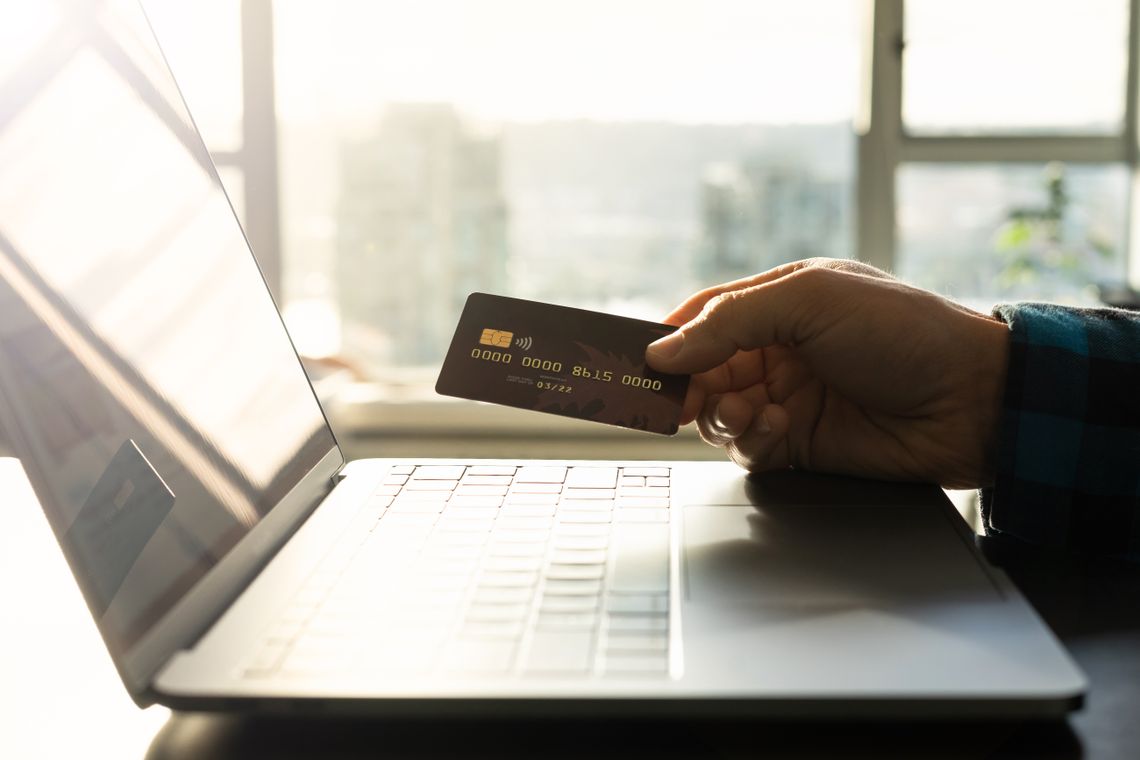
Payment acceptance depends on the details entered at checkout, the payment provider, available funds or credit, authentication, fraud-prevention review, product availability, and successful order processing.
The payment methods displayed during the active checkout session are the methods available for that transaction.
The bank, wallet, card issuer, or payment provider may approve, decline, hold, or request additional authentication.
SeaMotion may review billing, delivery, product, pricing, quantity, account, device, and fraud-prevention information.
A successful confirmation records the accepted order and begins processing before shipment and estimated delivery.
Checkout information
The exact payment information and verification steps depend on the selected method, provider, transaction, location, currency, device, and risk review.
Use one of the payment methods displayed at checkout. Availability may vary by transaction, provider, location, device, currency, and store configuration.
Checkout displayEnter the billing name, address, postal code, and related details as maintained by the payment account when possible.
Accuracy mattersPayment providers may return approval, decline, authentication, pending, verification, duplicate, or technical-status information.
Provider decisionSeaMotion may receive payment-method type, limited account references, authorization status, transaction identifiers, refund status, and risk signals.
Limited processing dataSuccessful email subscribers receive an automatic 15% sitewide discount, while selected promotional products receive an automatic 20% discount without a code.
Applied automaticallyThe checkout total may reflect applicable taxes, currency, product pricing, discounts, and other transaction details shown before submission.
Review totalA provider may reserve funds or credit before the order is fully accepted. A failed or canceled attempt can remain visible temporarily.
Not always a final chargeComplete payment credentials should be entered only into the authorized checkout fields presented for the transaction.
Official checkout only
Secure payment supports the full SeaMotion journey, from product selection and checkout to free shipping and time on the water.
Order verification
Verification helps protect customers, payment account holders, SeaMotion, and service providers from unauthorized purchases, identity misuse, payment abuse, and delivery fraud.
Common payment outcomes
A checkout result can reflect the payment provider, issuer, security system, account status, technical connection, billing information, or SeaMotion order review.
The provider approved the payment request, but final order acceptance may still depend on product, pricing, address, and fraud-prevention review.
The issuer or provider did not approve the transaction. SeaMotion may not receive a detailed reason for the decline.
The provider may require a bank-app approval, one-time code, biometric check, address confirmation, or another authentication step.
Funds or credit may be reserved temporarily while authorization, order processing, cancellation, or release remains incomplete.
Repeated checkout submissions can create multiple pending entries even when only one order is accepted.
The transaction may remain on hold while SeaMotion reviews billing, delivery, product, contact, account, or fraud-prevention information.
An approved cancellation generally returns the eligible amount to the original payment method, subject to provider posting time.
After SeaMotion issues an approved refund, the bank, card issuer, wallet, or payment provider may need additional time to display it.
Account and payment protection
Customers can reduce payment risk by protecting the device, account, payment method, email address, and authentication process used for checkout.

Payment safety depends on secure checkout, protected credentials, careful review, and prompt action when activity appears unfamiliar.
When a payment concern appears
The correct next step depends on whether the issue is a decline, pending authorization, duplicate attempt, incorrect amount, unrecognized charge, refund delay, or suspected account compromise.
SeaMotion can review the order and transaction records available to the store, while the bank, issuer, wallet, or payment provider controls the customer’s financial account.

Approved refunds pass through order review, return inspection when applicable, refund issuance, and payment-provider posting.
Refunds, cancellations, and disputes
Refund eligibility depends on the order, product, payment status, cancellation stage, delivery, return authorization, product condition, inspection, and applicable policy.
Additional payment details
These points explain common checkout, billing, verification, refund, and security situations.
A decline can result from issuer rules, insufficient funds or credit, incorrect billing information, authentication failure, transaction limits, fraud screening, provider restrictions, or technical errors.
A provider may create an authorization before checkout fails or the order is declined. The issuer controls how long the pending entry remains visible.
Multiple attempts can create multiple temporary authorizations. Confirm whether multiple SeaMotion order numbers were actually created before trying again.
Complete payment credentials should be entered only through authorized checkout fields. SeaMotion generally uses limited transaction information for order support, risk review, and refunds.
Customers should not follow unofficial instructions to bypass the SeaMotion checkout or send payment through an unexpected channel.
The 15% subscriber discount and selected-product 20% promotion apply automatically when the customer, product, and transaction qualify.
After SeaMotion issues an approved refund, the payment provider may require additional time to post the credit to the customer’s account.
Review order and household activity, contact SeaMotion with limited transaction details, and notify the payment provider promptly when unauthorized use is suspected.
Banks, card issuers, wallets, processors, and other financial services maintain their own account terms, fees, exchange rates, limits, authentication, and dispute procedures.
SeaMotion uses reasonable safeguards and payment-provider services, but no online transaction, device, network, storage system, or security measure can guarantee protection from every risk.
Customers are responsible for accurate billing information, authorized payment use, protected credentials, secure devices, and prompt reporting of suspicious activity.
This page provides general SeaMotion payment and security guidance. Payment-provider terms, applicable law, and other SeaMotion policies may also govern a specific transaction.